
Windows 11 kiosk mode: Locking down PCs for reception and inventory stations
Shared computers often need to provide access to specific tools without exposing the full desktop or other applications. Windows 11 can lock a computer to a single app or a

Shared computers often need to provide access to specific tools without exposing the full desktop or other applications. Windows 11 can lock a computer to a single app or a
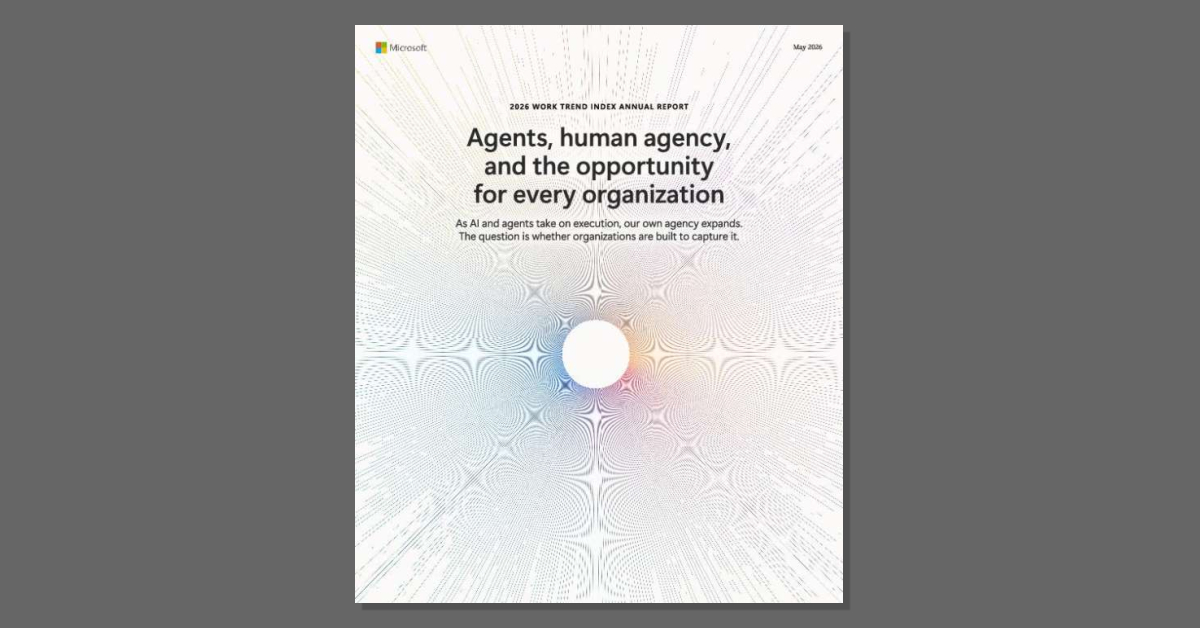
Individual AI skills only go so far when the systems around them can’t keep up. The 2026 Work Trend Index Annual Report from Microsoft shows how frontier firms redesign their operating models to maximize human potential and turn AI capability into results. Download the report and see what these firms do differently. 📈 @Microsoft Copilot
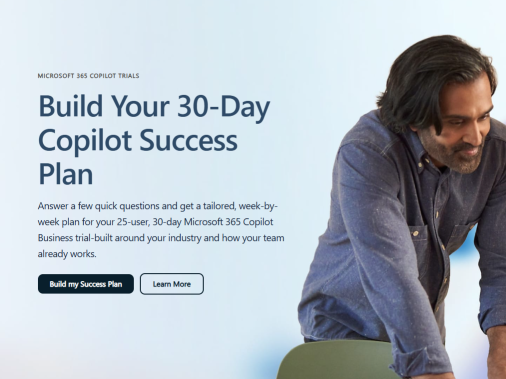
Make every day of your Microsoft 365 Copilot Business trial count! To get started, answer a few quick questions, and Microsoft will turn around a tailored, week-by-week plan with practical scenarios, guided activities, and ready-to-use prompts. See how simple it is to start, progress, and realize value fast with Build Your 30-Day Copilot Success Plan.
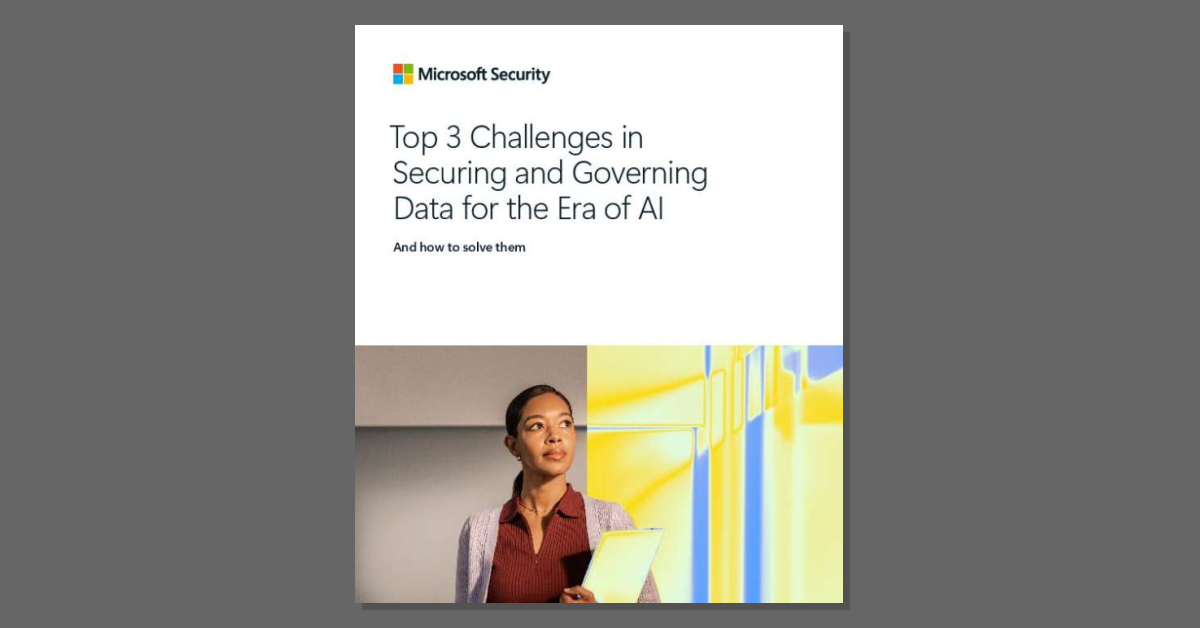
Increasing data risks, changing regulations, and disjointed tools can hinder secure AI adoption. This whitepaper highlights the 3️⃣ primary challenges of safeguarding and managing data in the AI landscape, along with how a unified platform solution tackles each challenge. Download the whitepaper to learn how to proceed securely. @Microsoft Security
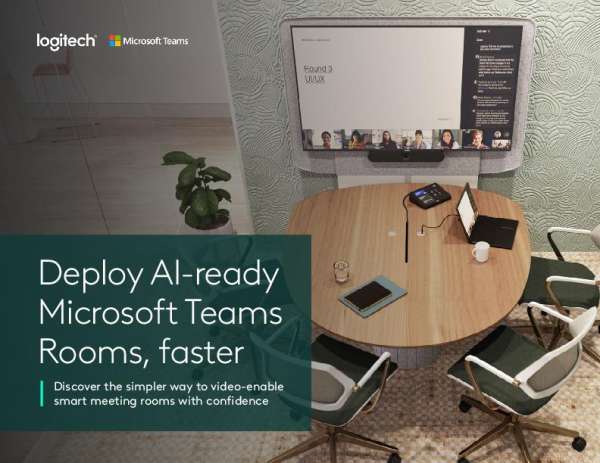
Expanding meeting room capabilities typically involves contractors, cabling, and extended timelines. This eBook illustrates how Logitech’s Express Install kits and integrated solutions like the Rally Board 65 enable the setup of Microsoft Teams Rooms in under an hour, often without the need for specialized AV knowledge. Download your copy to see how streamlined, faster deployment can integrate features like Copilot, IntelliFrame, People Recognition, and intelligent meeting recap into more of your environments. @Logitech For Business
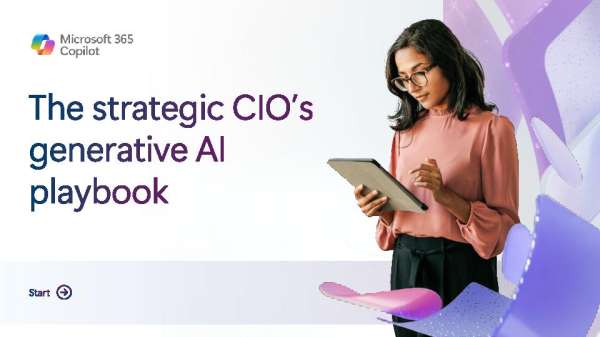
If you’re a CIO seeking a path to secure, scalable AI, check out this guide from @Microsoft 👇 “The Strategic CIO’s generative AI playbook, it’s packed with recommendations for building an adoption framework centered on strategy, skills, and governance. Download your complimentary copy to explore: ✅ AI strategy and governance best practices ✅ Workforce adoption tips ✅ Productivity measurement how-tos ✅ Tips for securely incorporating intelligent agents @microsoft-copilot @Microsoft-365
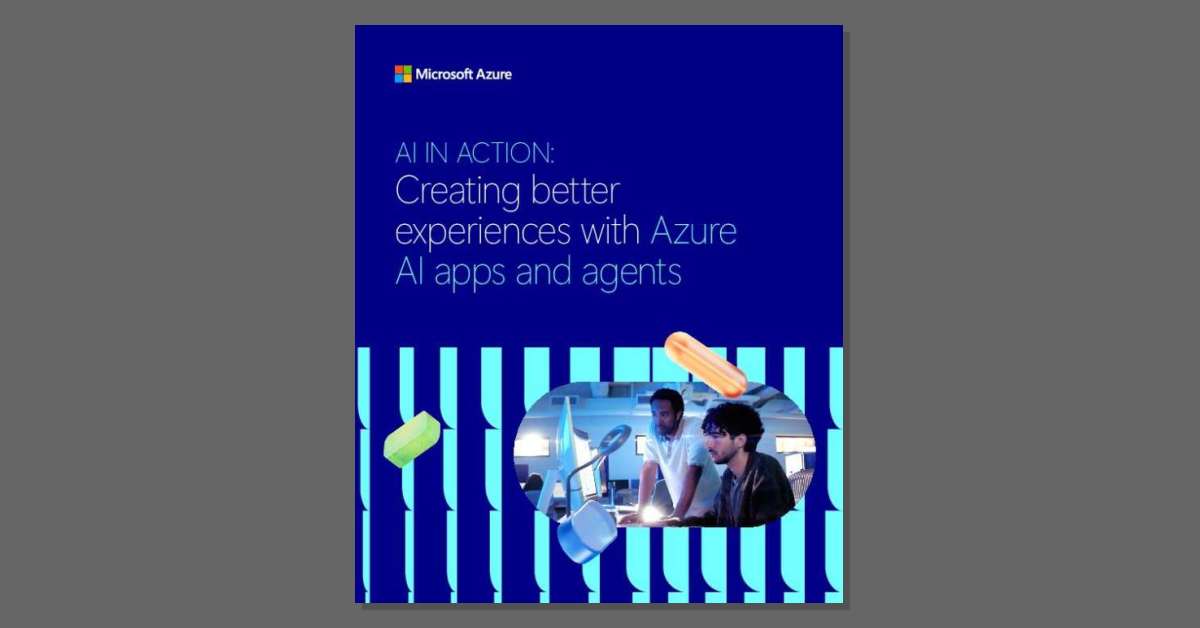
Starting an AI pilot is just the first step; achieving tangible results requires a solid strategy. 📈 Get your copy of the eBook, “AI IN ACTION: Enhancing experiences with Azure AI applications and agents,” to discover four essential AI objectives your business should aim for. @Microsoft Azure
When planning to scale Microsoft 365 Copilot adoption, it helps to designate AI champions who can turn curiosity into “aha” moments. The “Build a Champion Program” guide is a roadmap. Download your complimentary copy for practical guidance on creating peer learning moments, building Copilot communities, surfacing skilling resources, measuring adoption, and helping users turn AI curiosity into everyday productivity. @Microsoft Copilot
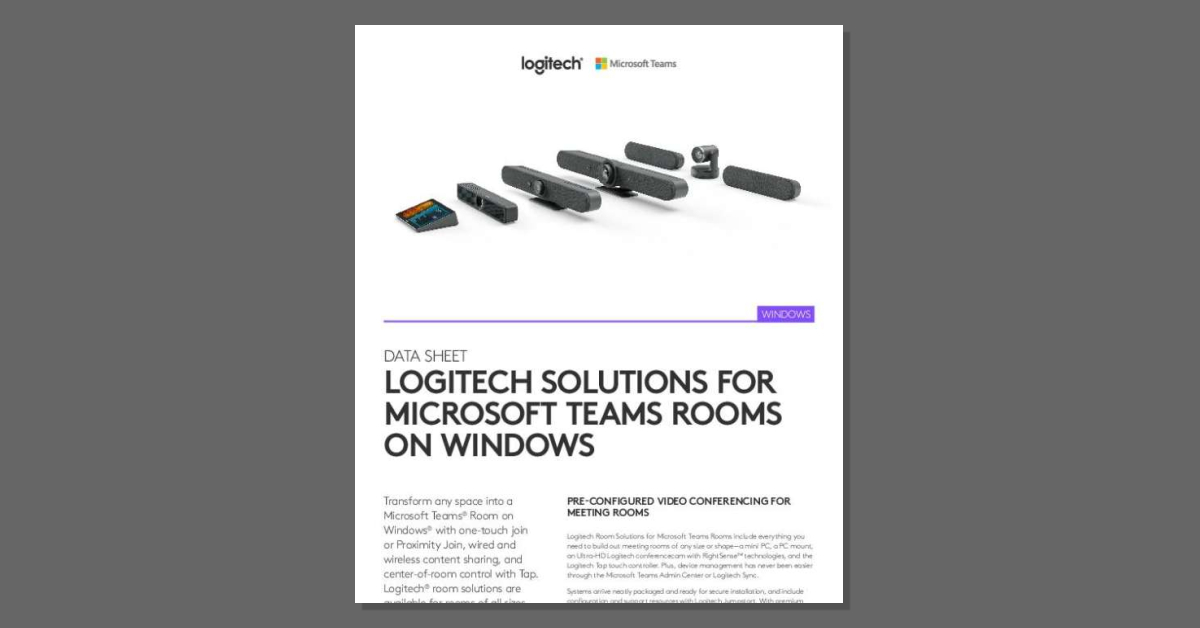
The size of a room should not dictate how effective a meeting can be. This datasheet outlines Logitech’s solutions for Microsoft Teams Rooms on Windows, pairing various room dimensions with conference cameras, Tap touch controllers, certified mini PCs, and accessories such as Rally Mic Pods, Sight, and Scribe. Download the datasheet to find the best configuration for your spaces. @Logitech for Business
Looking to amplify AI impact on a broader scale? The “Microsoft 365 Copilot Adoption Playbook” gives you a practical roadmap to maximizing success. Download your complimentary copy for recommended steps – from preparing your environment and assigning seats to creating an AI council and user community to designating champions, providing training, and measuring business results. @Microsoft Copilot