Data Pros' Blog

Categories
Archives
meta image 4

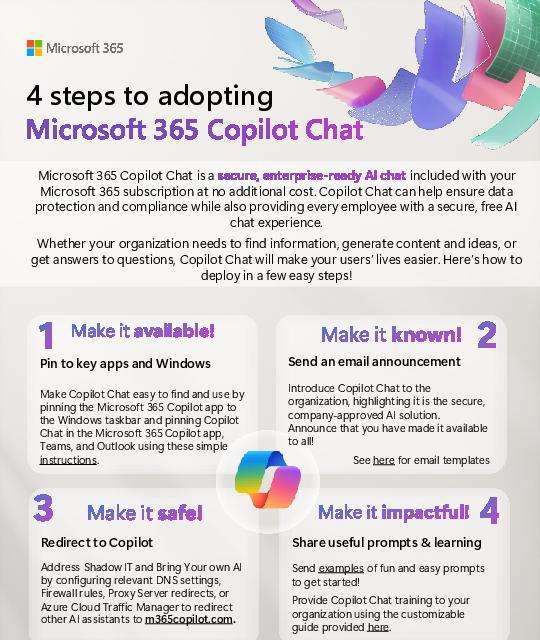
Microsoft Copilot: Your AI companion

Many organizations begin their AI journey by asking, “What can AI do?” While it’s a natural question, the most successful AI initiatives often start somewhere else: “What business results do we need to achieve?” Use this prompt in Copilot Chat today.

Read More
copilot thumb 3

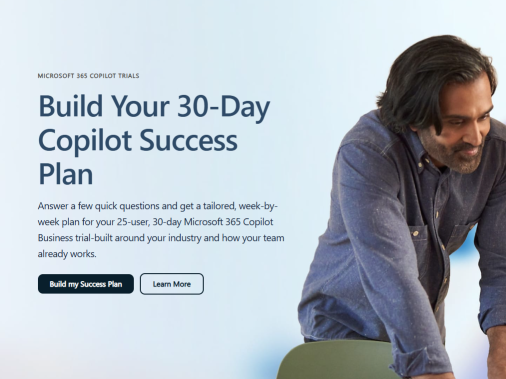
Build your 30-day Copilot success plan

What would you like your team to tackle first: A crowded inbox, meeting follow-ups, or time-consuming content creation? Give your Microsoft 365 Copilot Business trial a clear starting point with Build Your 30-Day Copilot Success Plan. Answer a few quick questions about your industry and the tasks that take the most time, then receive a tailored, week-by-week roadmap with practical scenarios, guided activities, and ready-to-use prompts. Instead of wondering what to try next, give your team a focused way to explore Copilot in everyday work. Build your plan in minutes and message us if you’d like help putting the first week into action. @Microsoft Copilot

Read More
eb Leaders guide to Copilot prioritization thumb

Setting priorities for your AI transformation

Scaling AI isn’t about doing more; it’s about doing what delivers measurable value. The eBook “Setting priorities for your AI transformation” from Microsoft shows how to choose high-impact use cases, set success metrics, and build the governance to move pilots into enterprise-wide value. Download your complimentary copy of the eBook and prioritize the AI work that pays off. 📈 @Microsoft Copilot

Read More
brochure Logitech Team Workspace Guide 2026 fb thumb

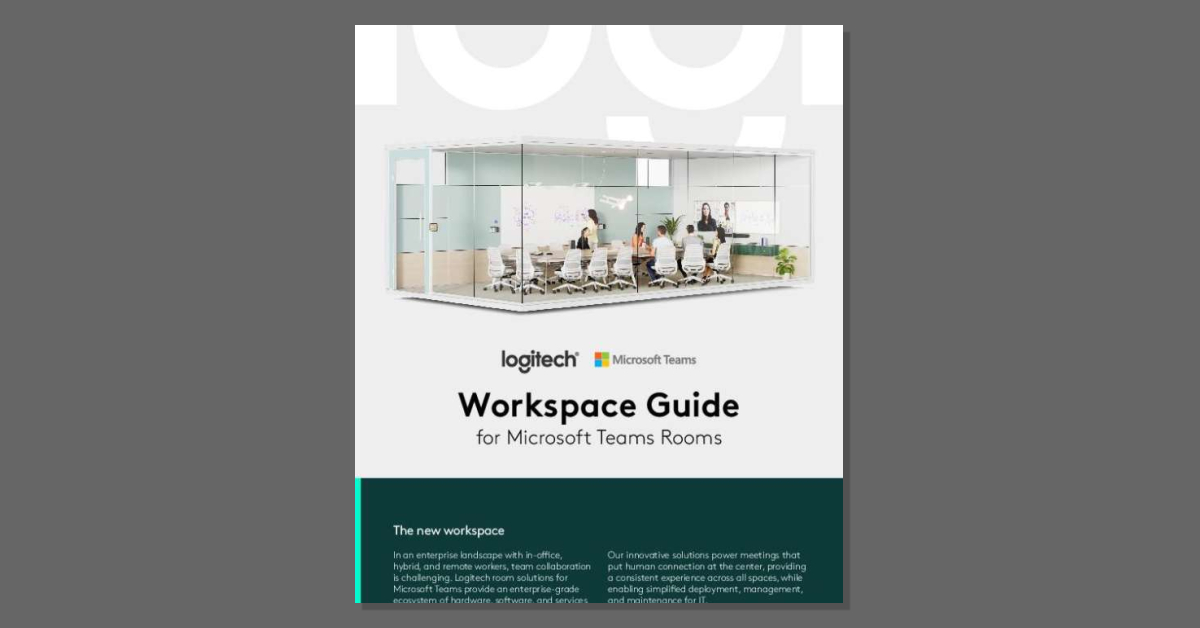
Logitech Workspace Guide for Microsoft Teams Rooms

Regardless of the size of your meeting spaces, the quality of your Microsoft Teams experiences should remain exceptional. 🏢 The brochure titled “Workspace Guide for Microsoft Teams Rooms” includes details on Logitech video bars, touch controllers, accessories, management software, and service plans tailored for every type of room. Get your free copy to discover how Data Pros can assist you in deploying and managing uniform Teams spaces on a larger scale. @Logitech for Business 📥

Read More
eb CCS Getting Started Playbook fb thumb

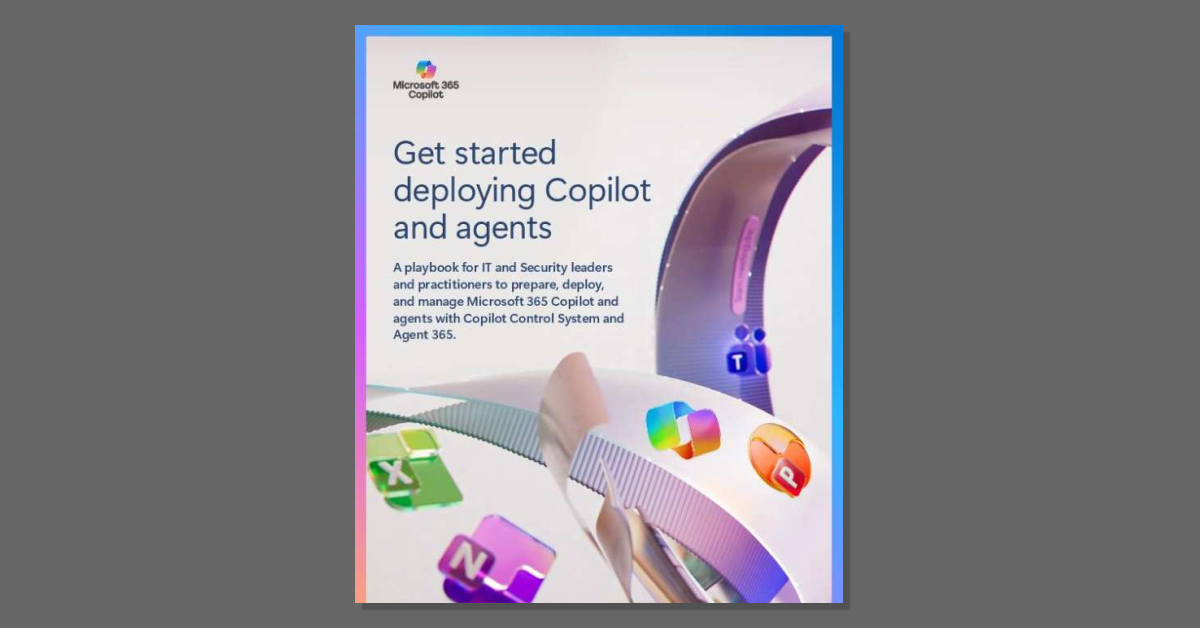
Get started deploying Copilot and agents playbook

A successful Copilot and agent rollout starts before the first deployment–and keeps evolving after launch. The “Get started deploying Copilot and agents” playbook gives IT and security leaders practical guidance across three phases: prepare, deploy, and manage. Learn how to establish data and security baselines, define rollout ownership, apply governance guardrails, manage access and agent lifecycles, and measure adoption and business outcomes with Copilot Control System and Agent 365. Download your complimentary copy. Message us for support translating guidance into a deployment plan. @Microsoft Copilot

Read More
report 2026 Data Security Index Unifying Data Protection fb thumb

Data Security Index

Innovation and data protection can coexist harmoniously. 📊 This research report summarizes insights from over 1,700 leaders in data security and outlines three key actions for leveraging AI: streamline your tools, manage the use of GenAI, and utilize GenAI to enhance your security measures. Download the report today. @Microsoft Security

Read More
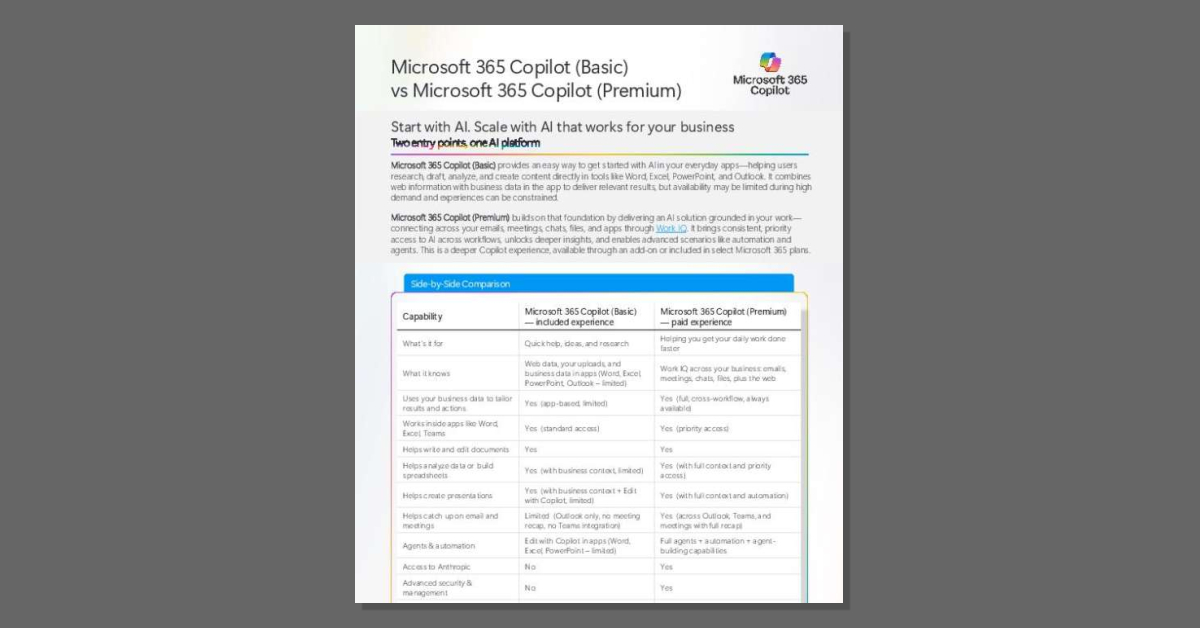
To customer Microsoft 365 Copilot Basic vs Microsoft 365 Copilot Premium flyer fb thumb

Microsoft 365 Copilot (Basic) vs Microsoft 365 Copilot (Premium) One-Pager

The “Microsoft 365 Copilot (Basic) vs Microsoft 365 Copilot (Premium) One-Pager” helps you compare everyday assistance with an experience grounded deeper in your organization’s work. See how options differ across business context, access, meeting and email support, agents, and automation. Download the one-pager to explore which experience aligns with your team’s needs. Message us for guidance on turning that comparison into a practical next step. @Microsoft Copilot

Read More
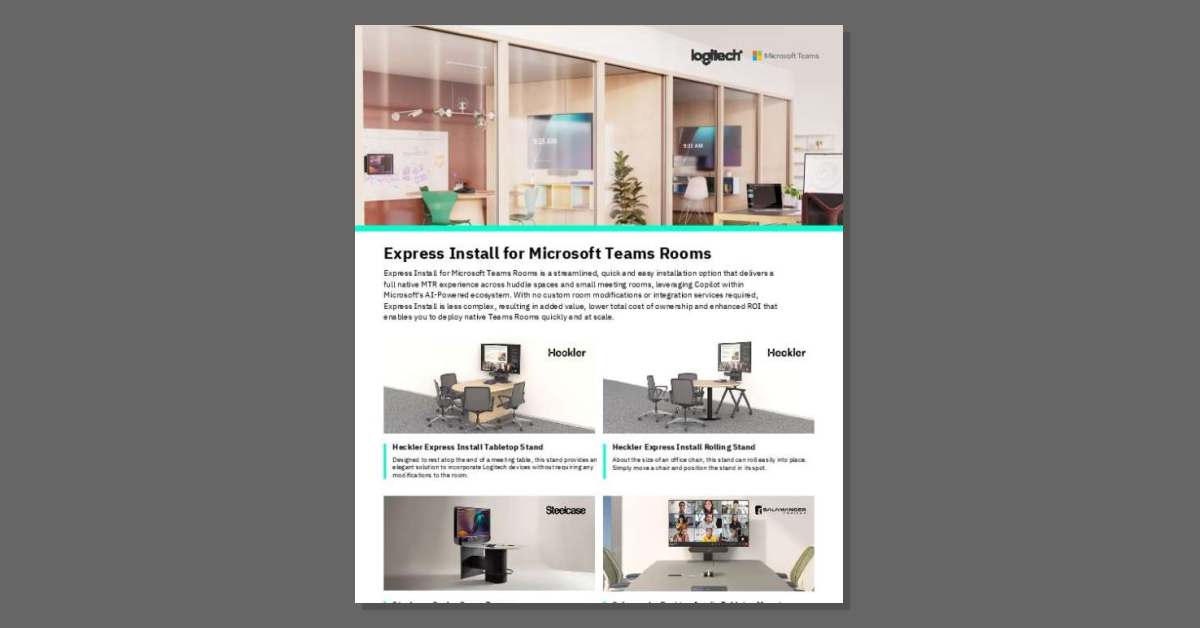
one pager Express Install Flyer NAM Mar 2026 fb thumb

Express Install for Microsoft Teams Rooms

Setting up a huddle room shouldn’t take an entire day or necessitate a custom build. 🛠 T The one-pager titled “Express Install for Microsoft Teams Rooms” demonstrates how the MeetUp 2, Rally Bar Huddle, and Rally Bar Mini can easily connect with Tap controllers, commercial displays, and either tabletop or rolling stands without the need for any modifications to the room. Check it out to discover how we can assist you in deploying native Teams Rooms more quickly and at a lower overall cost. @Logitech for Business

Read More